OJ UDS Cloud
Category: Programming & tuning tools
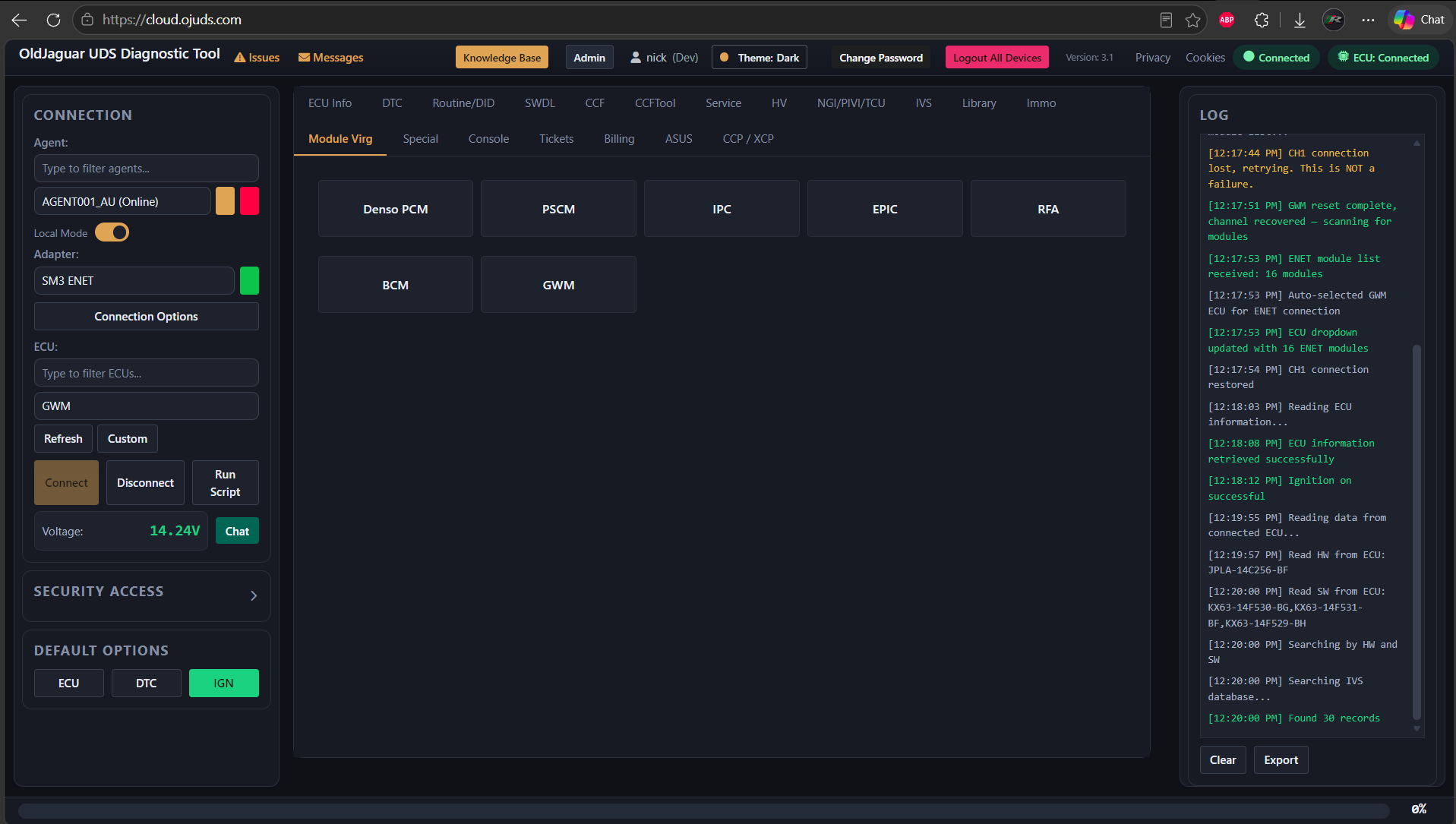
The OJ UDS Cloud is a new software tool developed by oldjaguar.com in 2026, which replaces the previous UDS Engineering Tool.
A professional-level tool for workshops and specialists or even DIYers, the OJ UDS Cloud from OldJaguar provides almost unrestricted capabilities beyond what the OEM level diagnostic tools such as JLR-SDD or Pathfinder or even Topix Cloud could deliver.
What makes it different from the previous UDS Engineering Tool is that now it’s a cloud based system, specifically created to support remote jobs, when a vehicle and a technical specialist could be thousands of miles away.
How it works
The Cloud system is split in two parts:
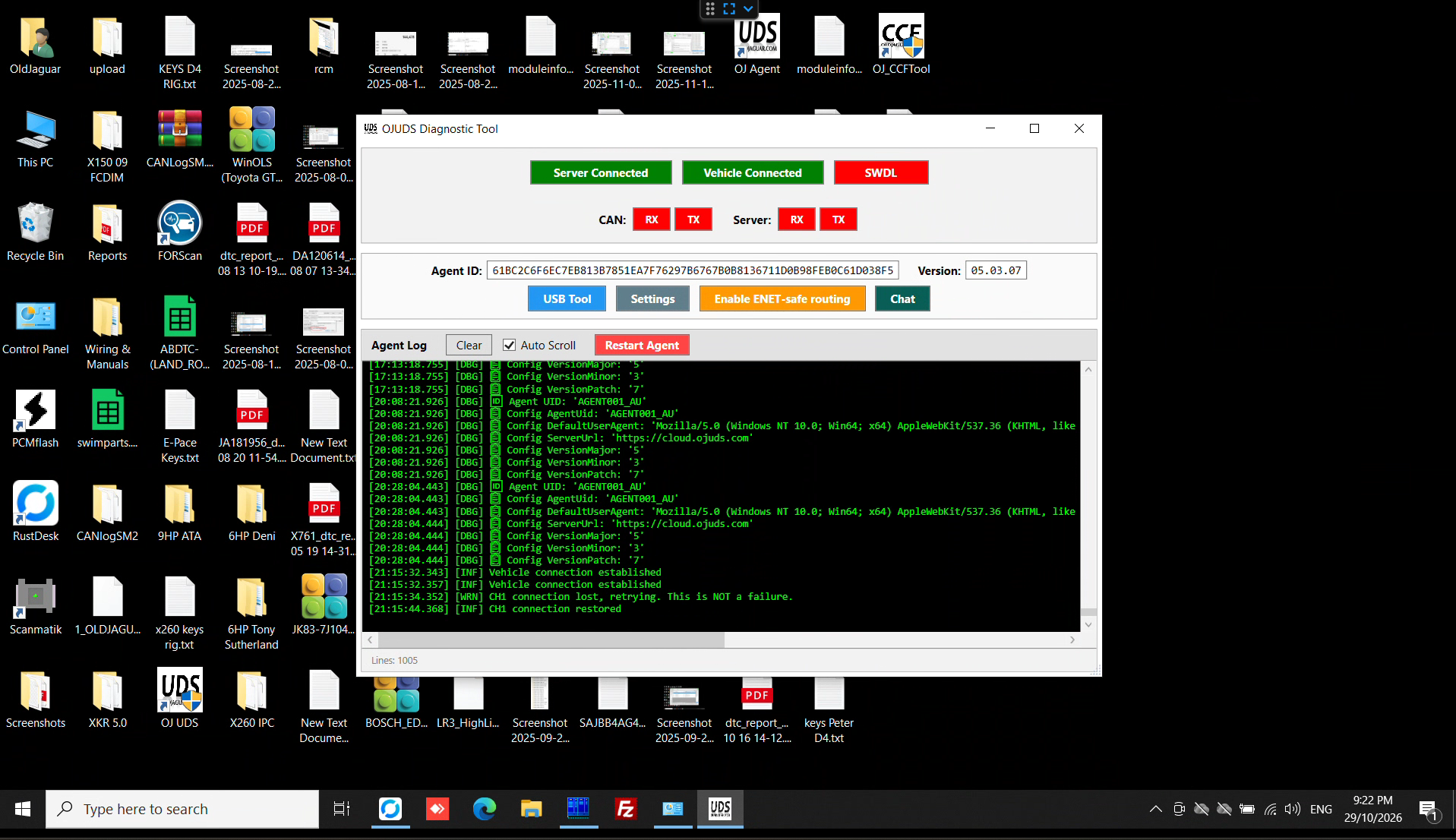
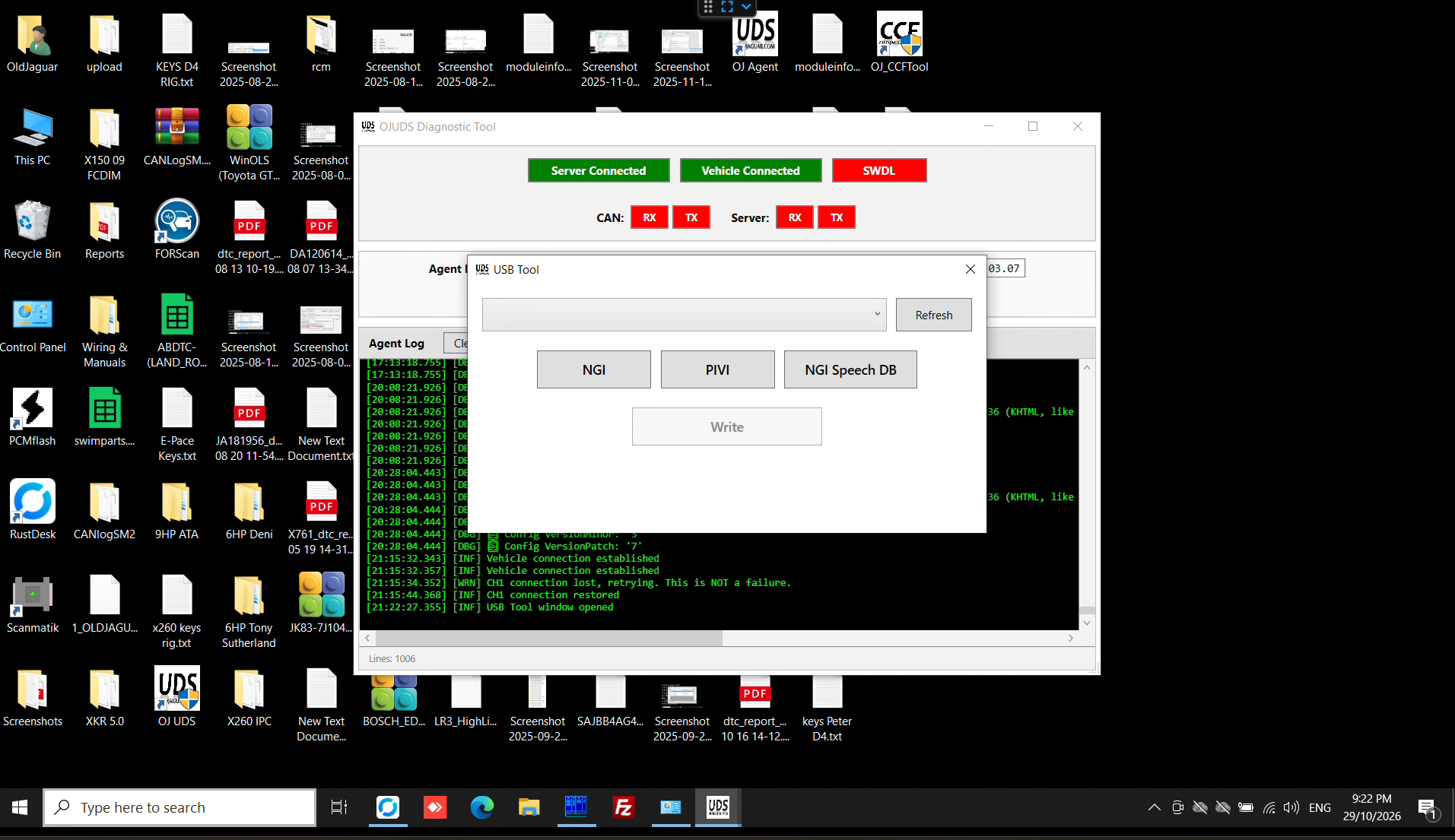
- Agent software, which is installed on a PC as a Windows application. This software handles communications with both the vehicle and the server, also contains a chat module and special messages, to keep a technician and an operator in sync.
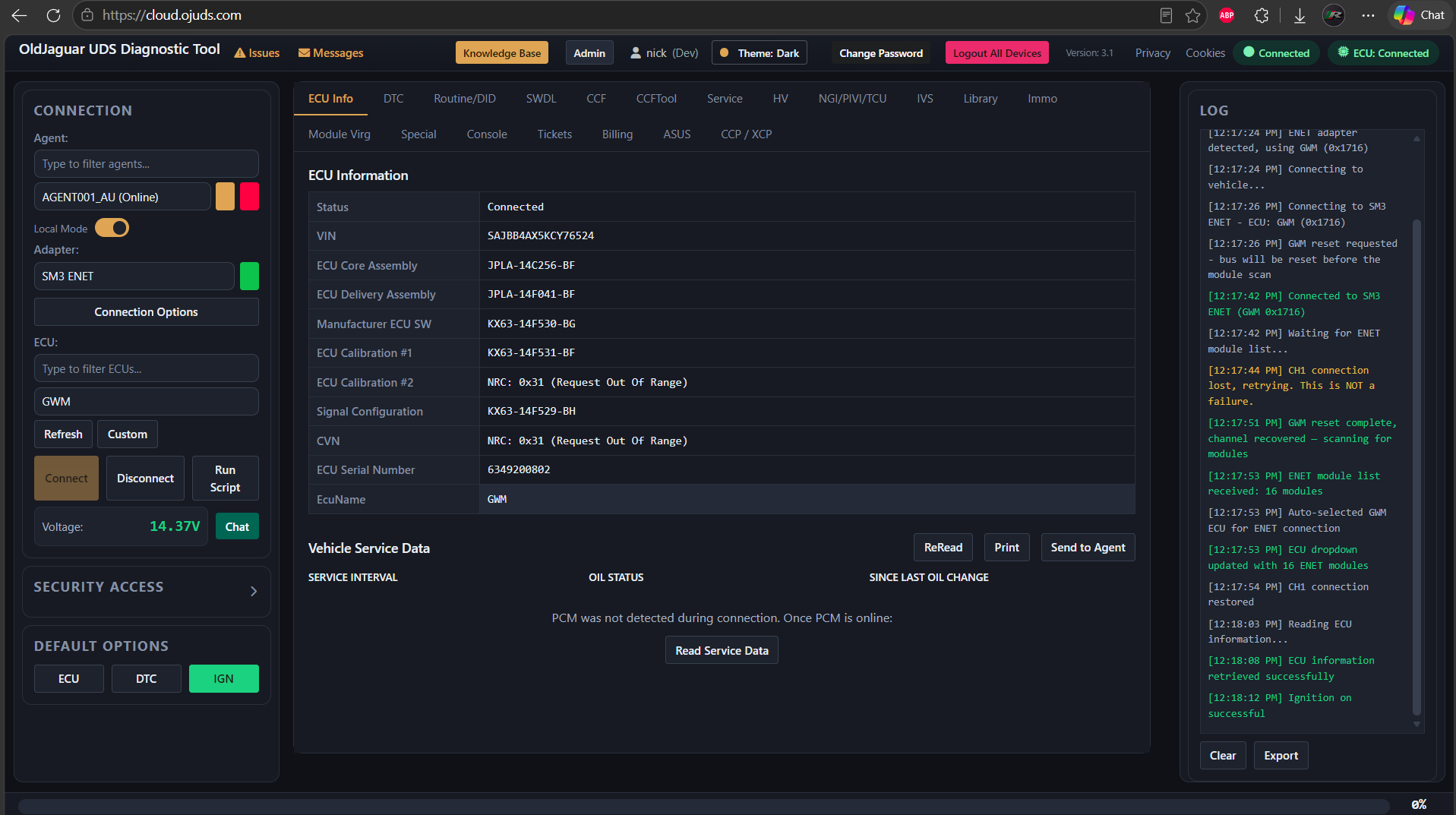
- Cloud software. This software works on our dedicated server and is accessible from any modern web browser (Edge, Chrome, Mozilla). The server receives requests from a browser (basically a technician selecting what to do with a vehicle) and coordinates everything with the selected Agent.
This scheme might be mistakenly considered as a “Remote USB” or some other technologies, but that wouldn’t be correct. What makes a big difference is that the most critical part of communications - communications with the vehicle’s ECU’s - is handled locally and is internet independent. Nothing would go wrong or damage a module if the internet connection gets dropped - even during a module flashing. We’ve paid special attention to this and we’ve run a lot of stress-tests. This is a rock-solid solution.
Supported model lines
- 2006-2026 LR vehicles (except pre-2010 L322, pre-2013 L359)
- 2003-2026 Jaguar vehicles (support for 1996-2003 is coming soon)
Major functions
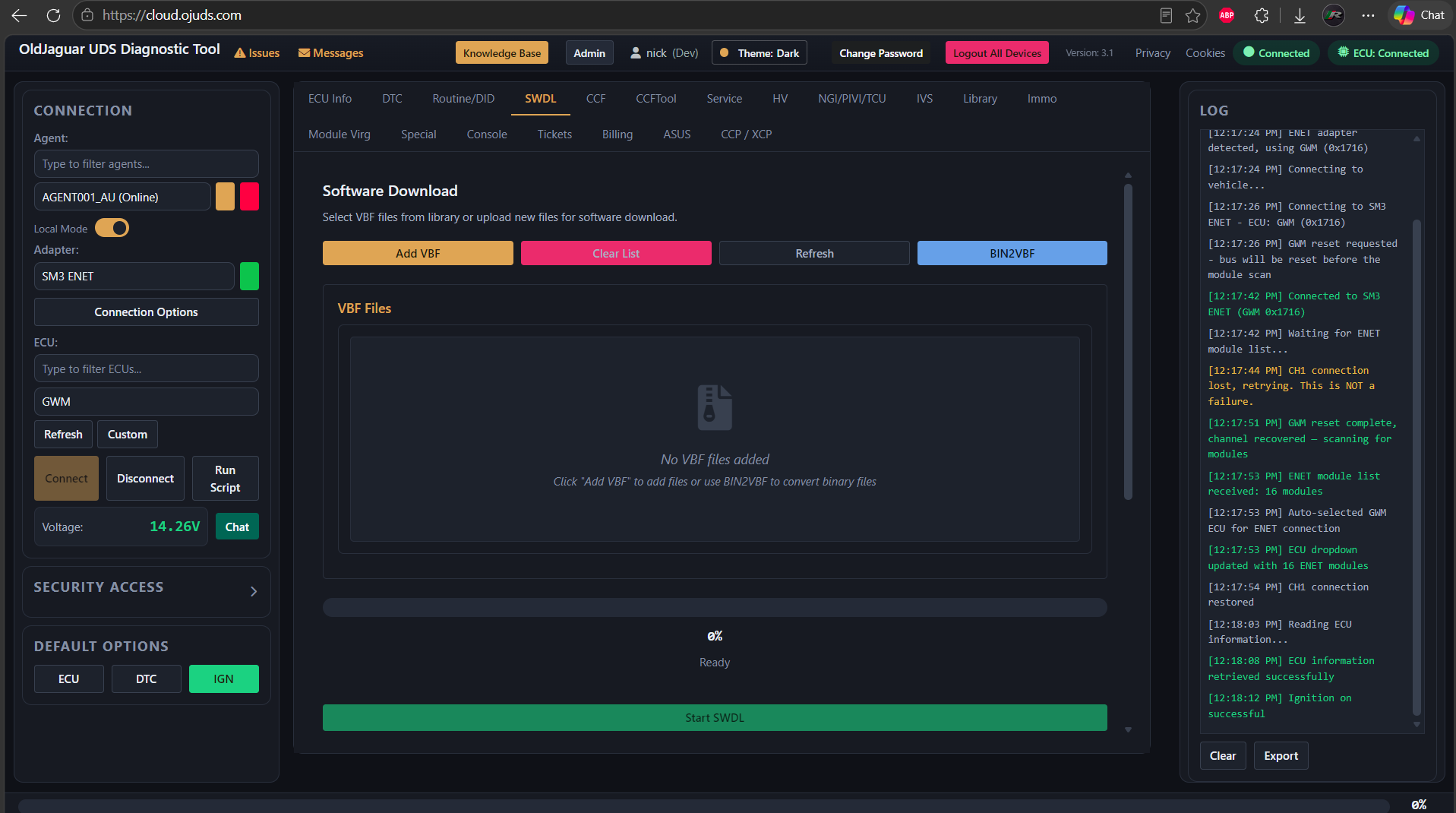
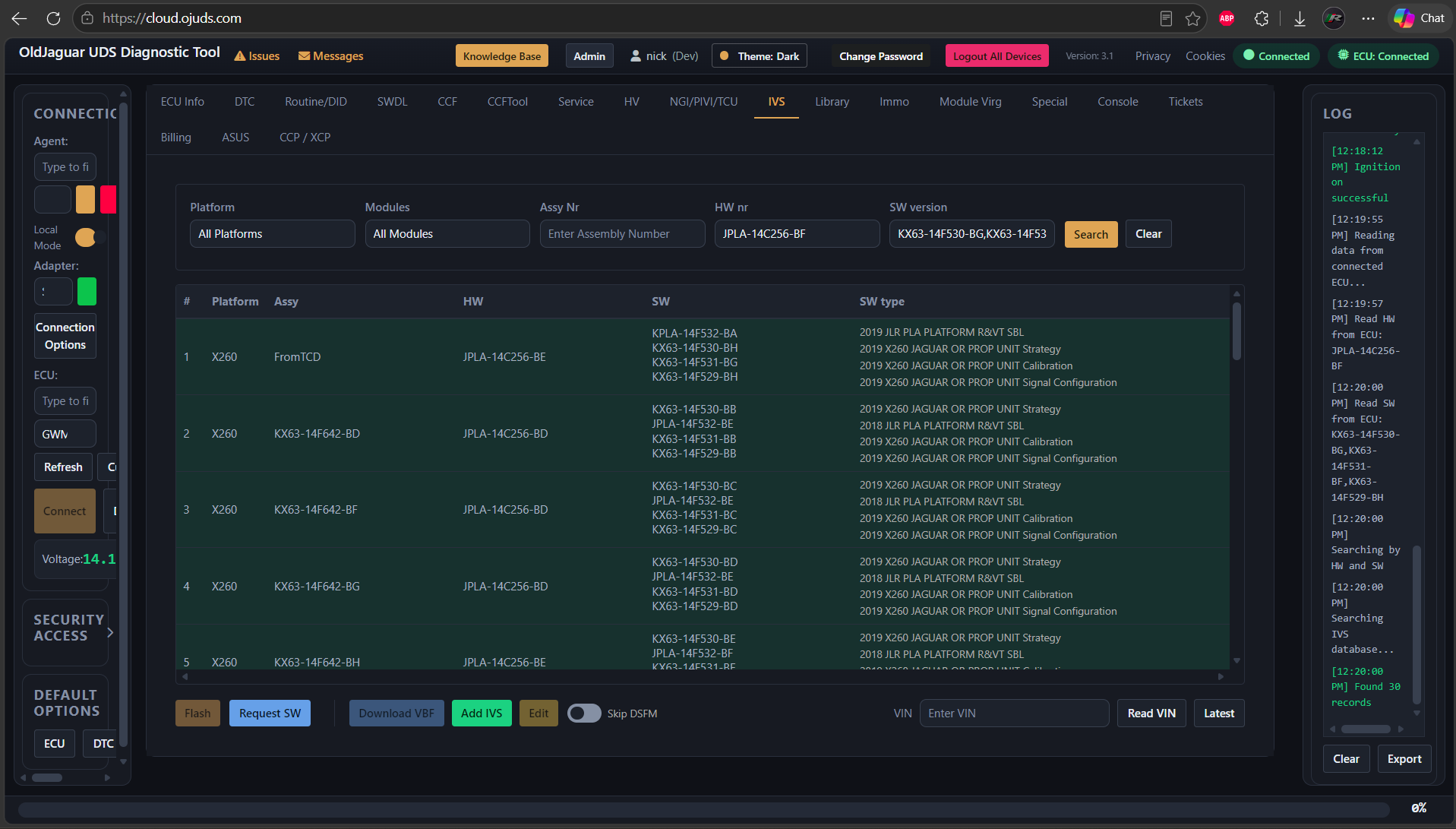
- Flashing factory or modified software/calibrations to any vehicle module that supports it
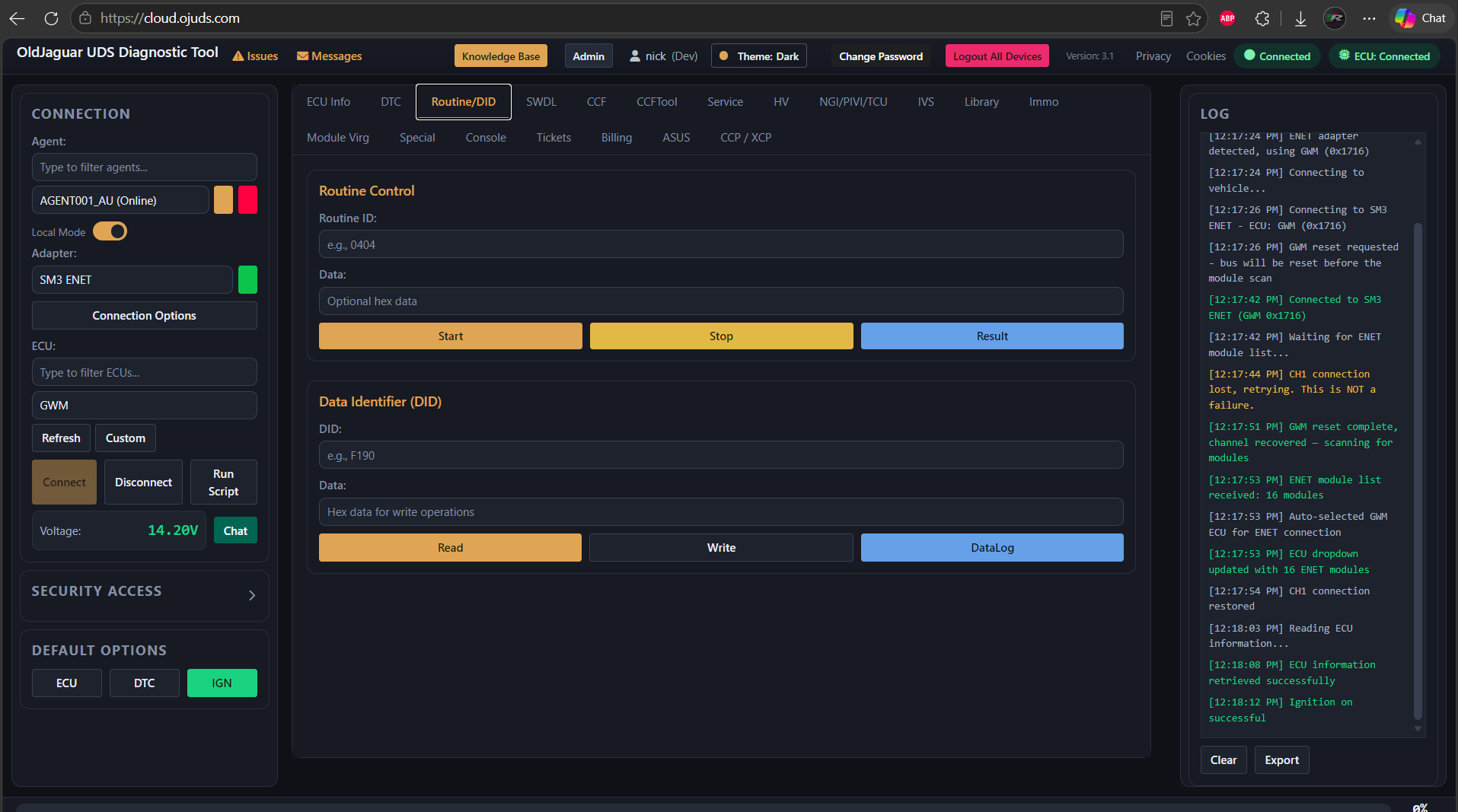
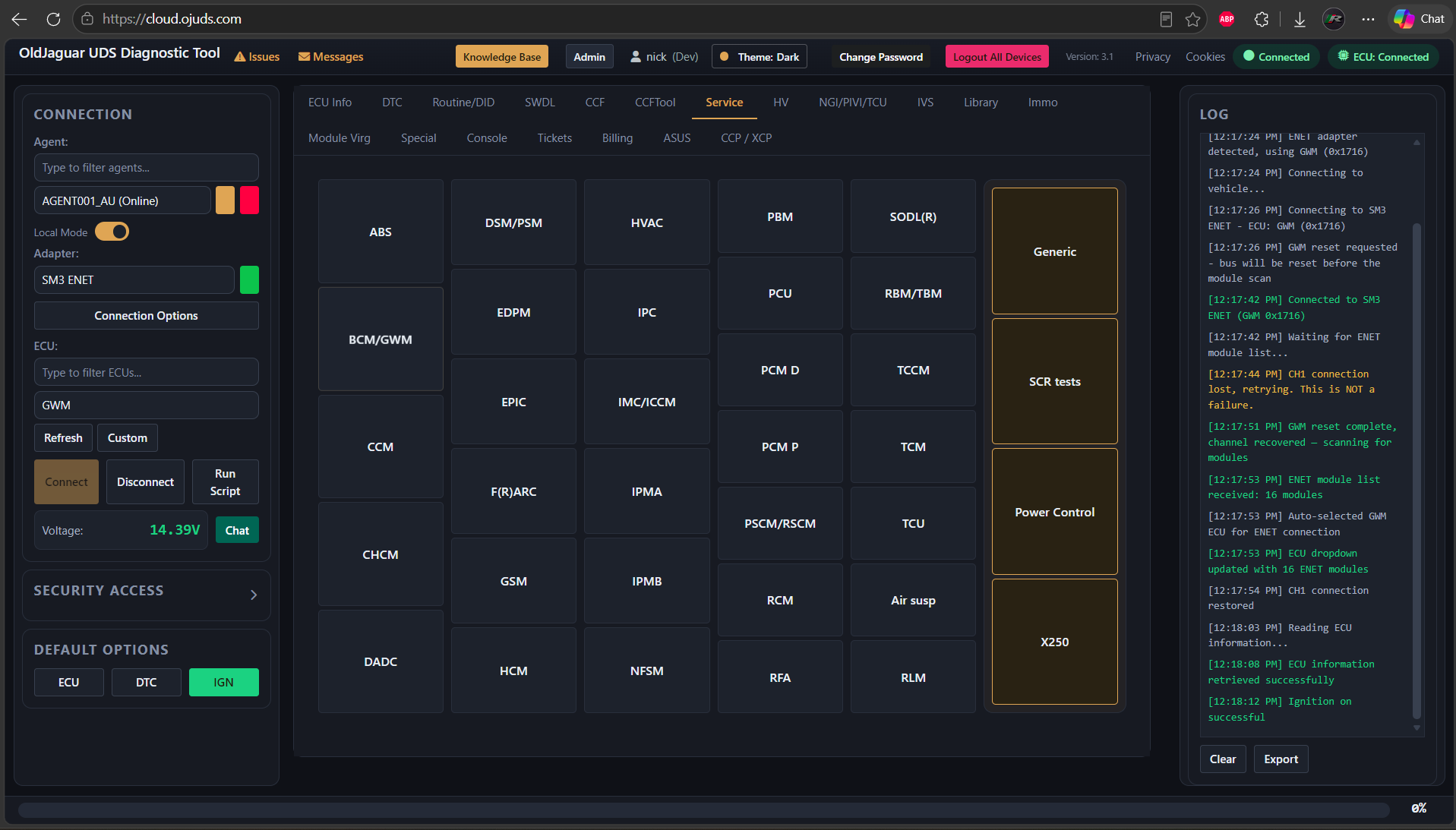
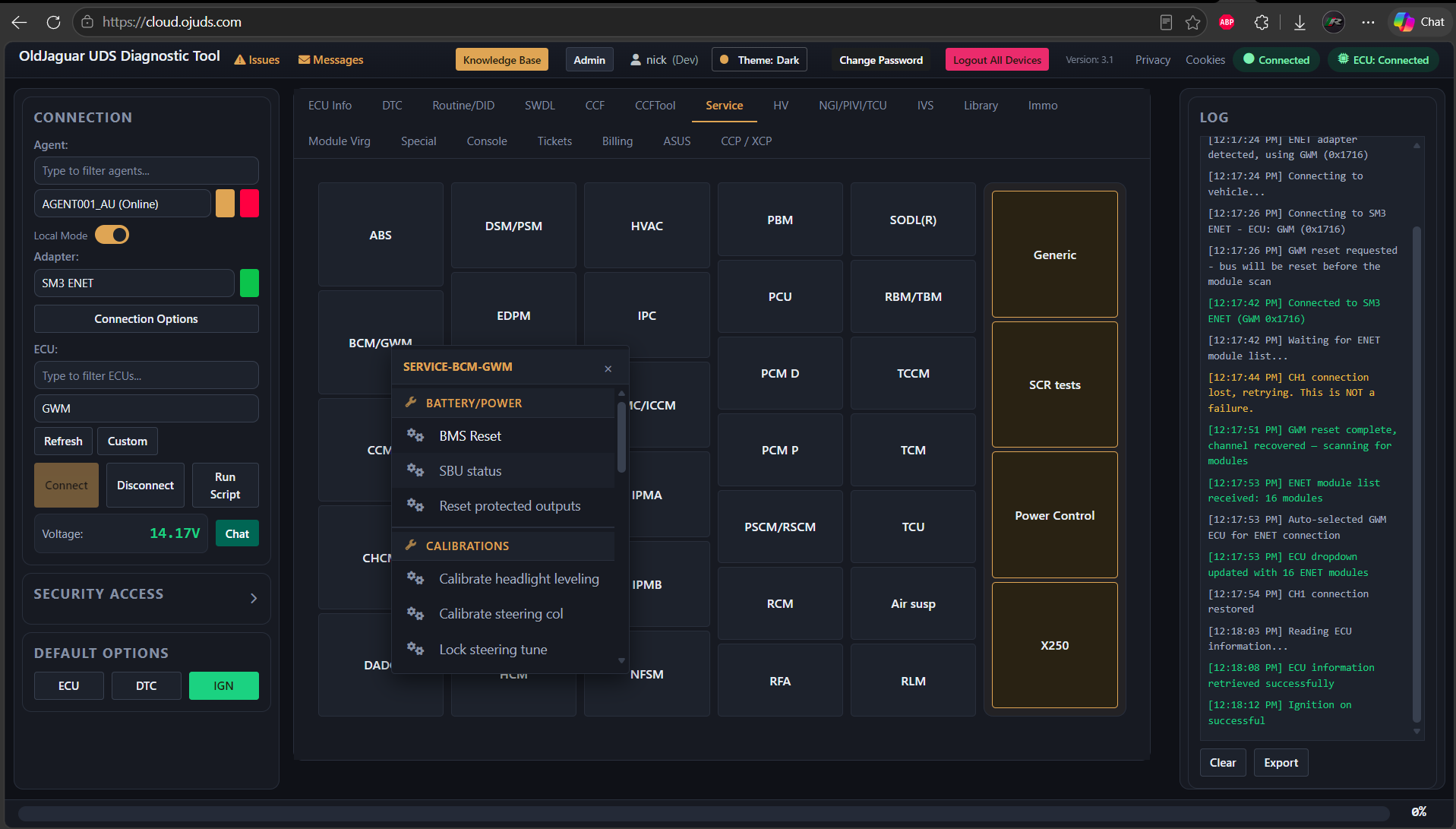
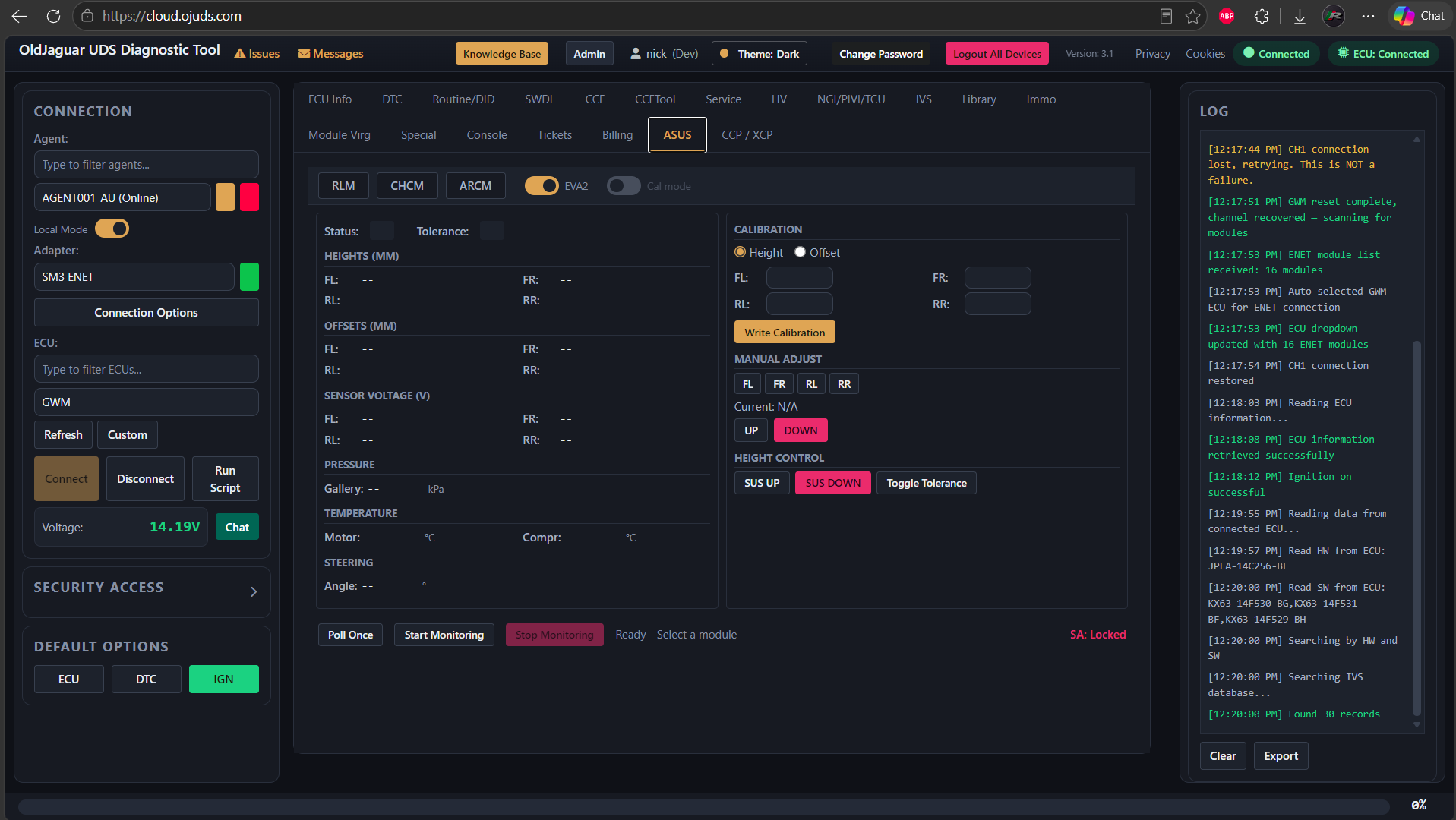
- Performing service routines/calibrations (i.e. Service minder reset, air suspension height calibration, replacement of a throttle body/EGR/other parts)
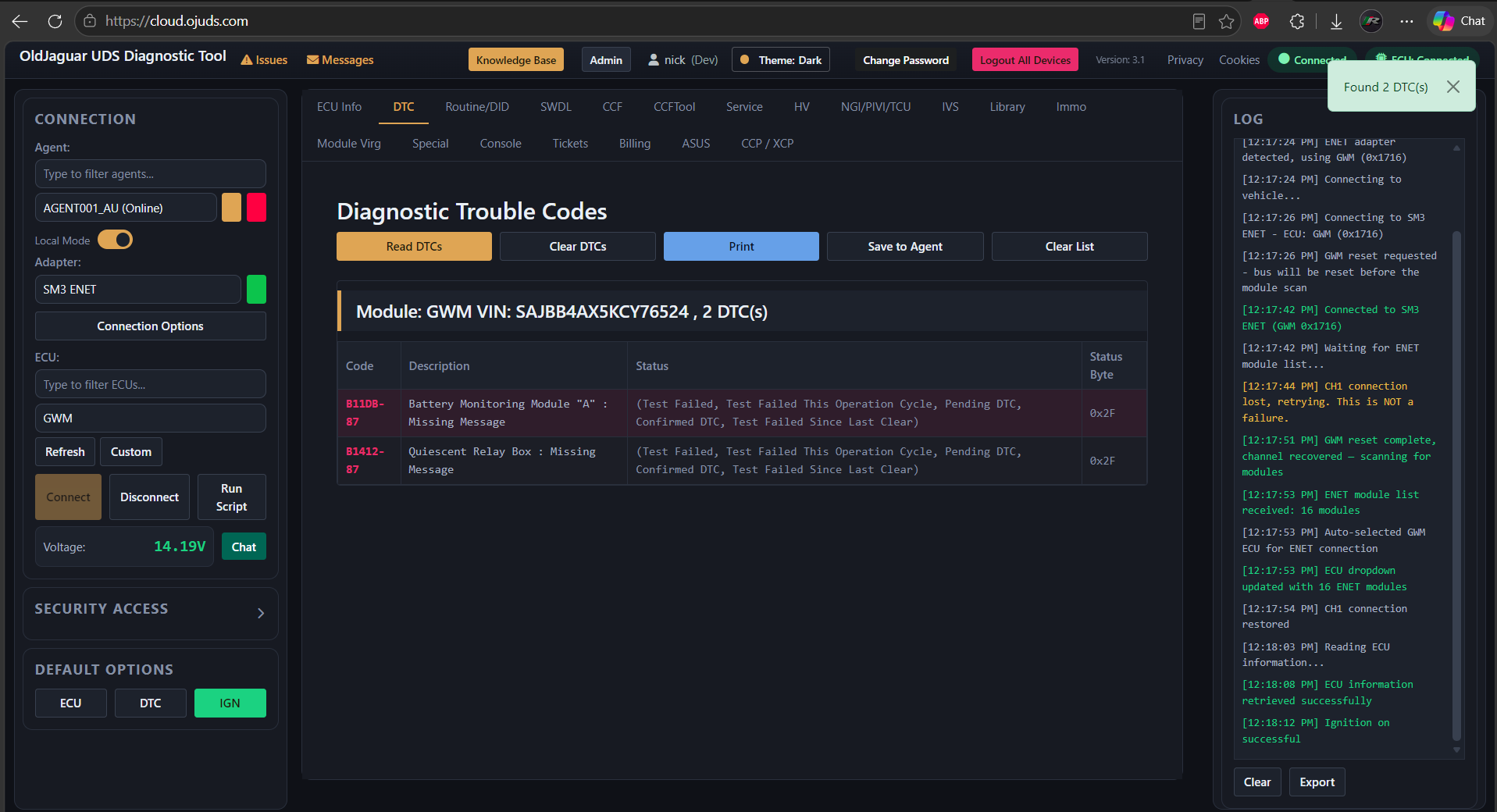
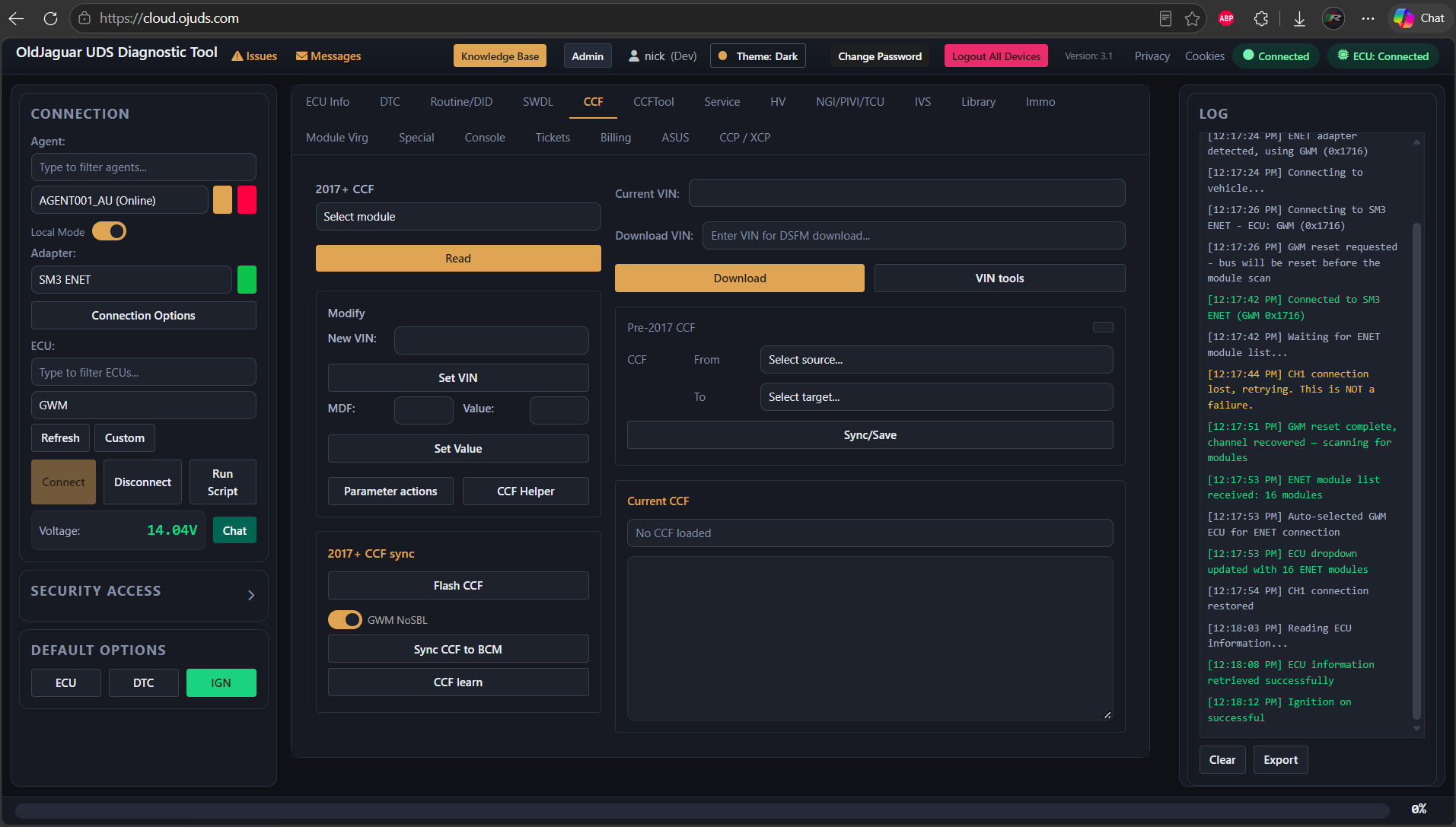
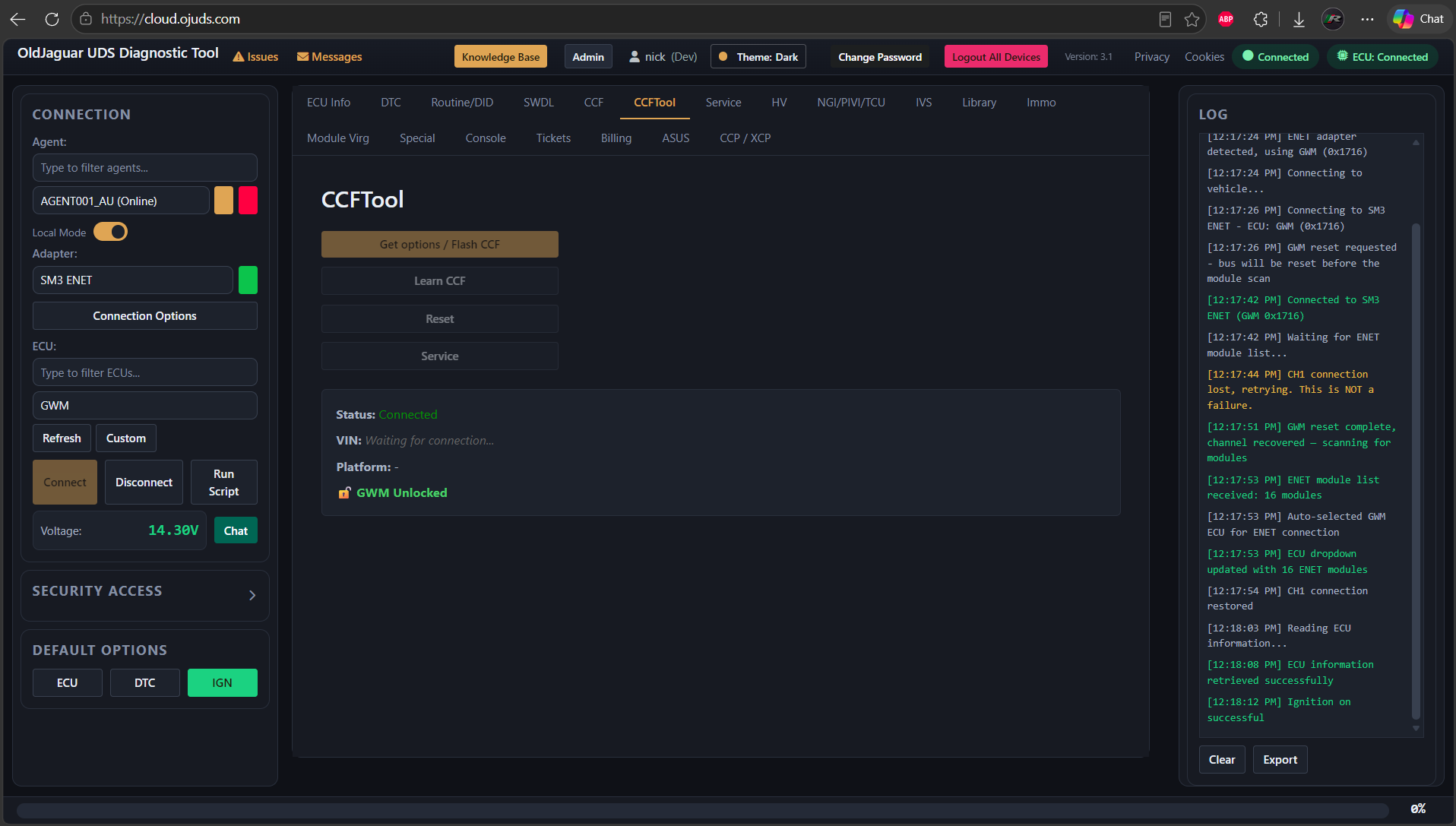
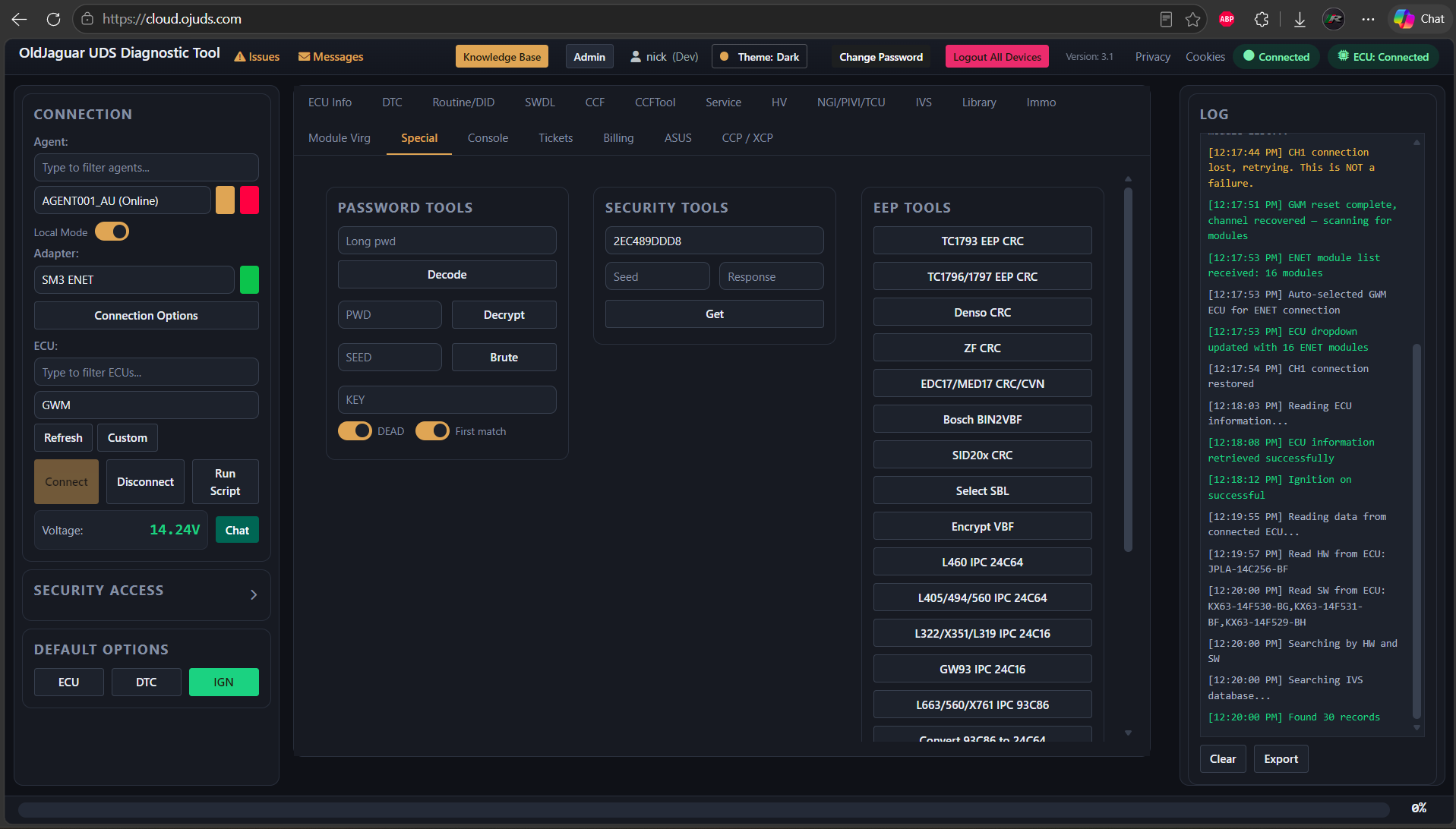
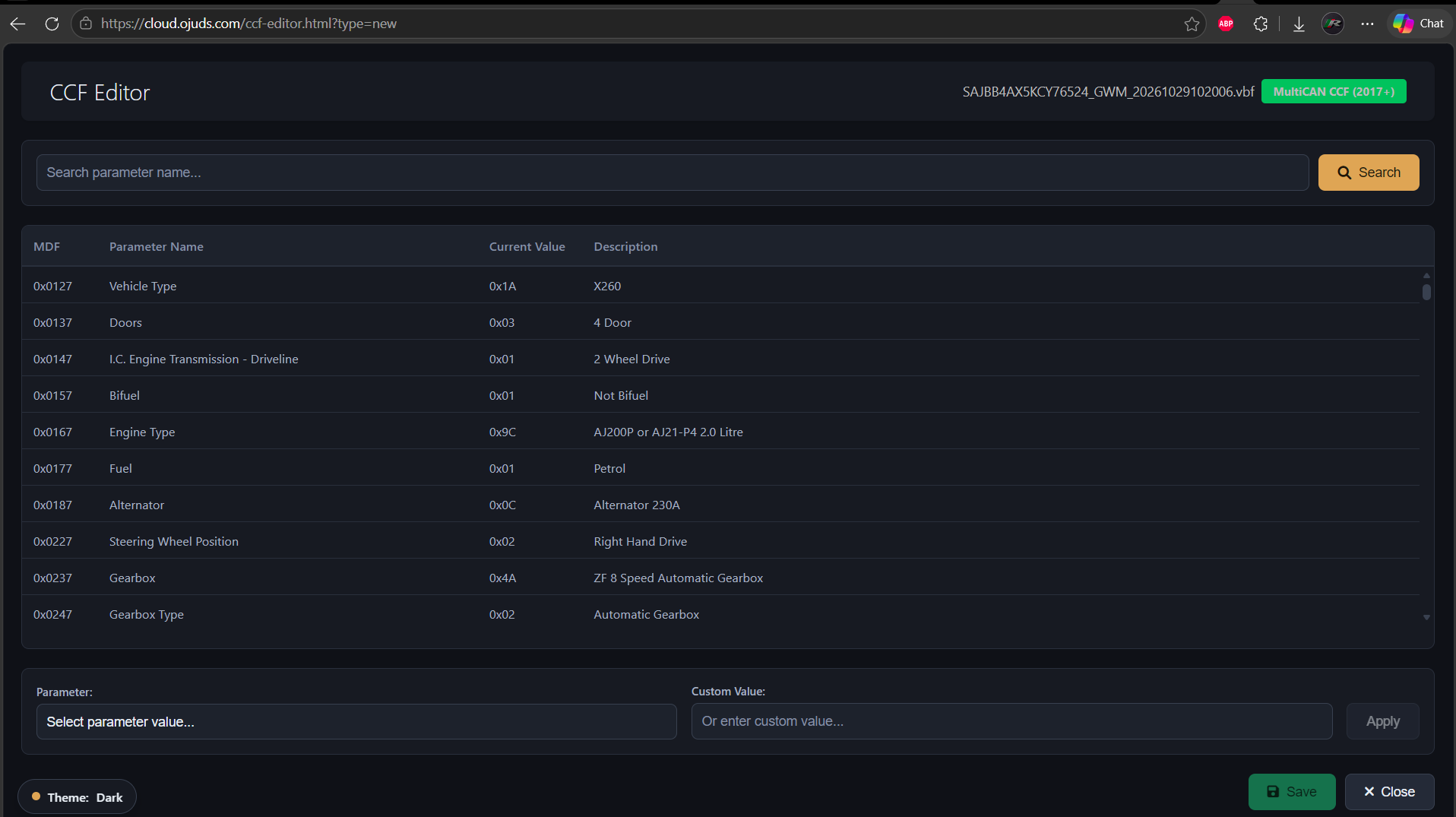
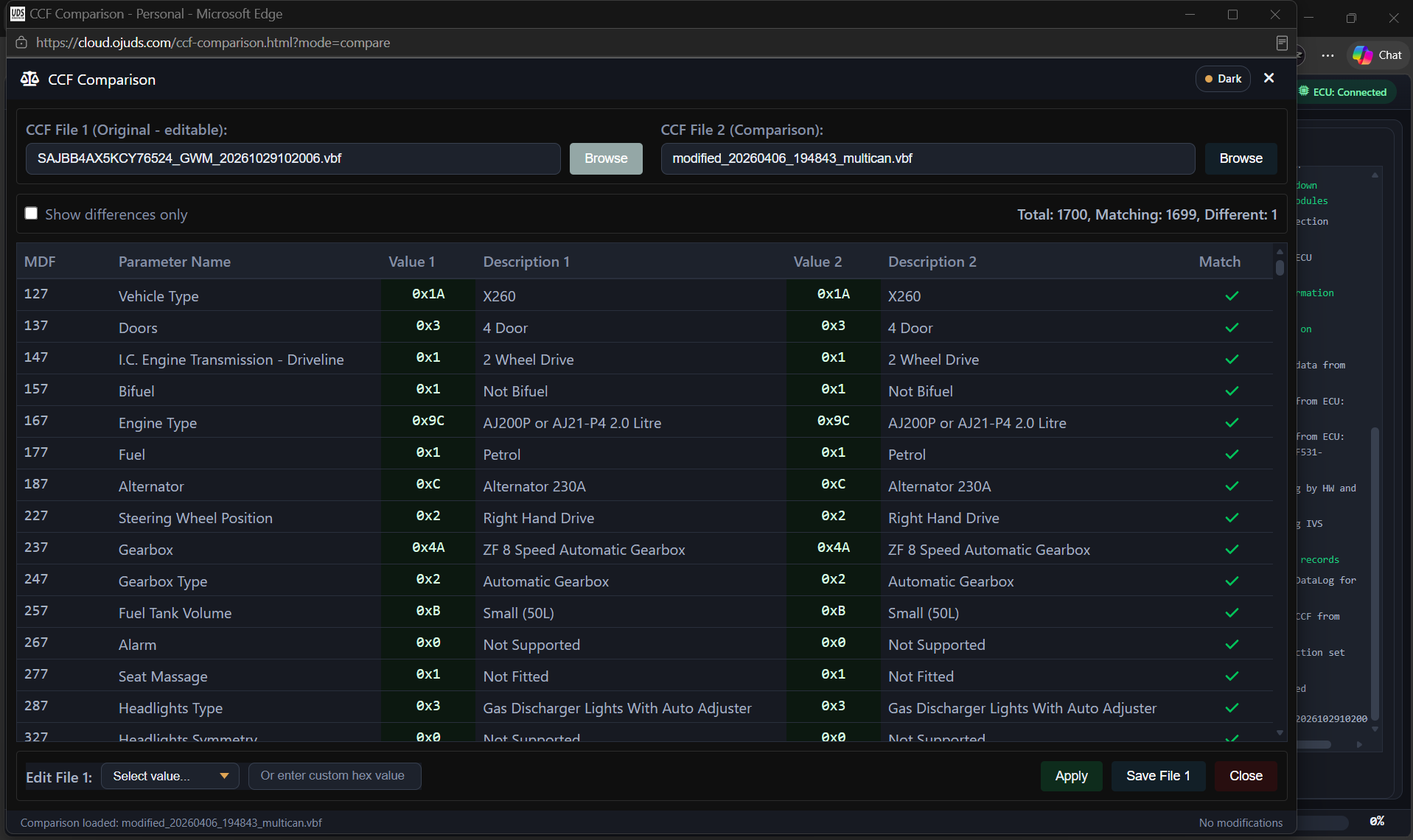
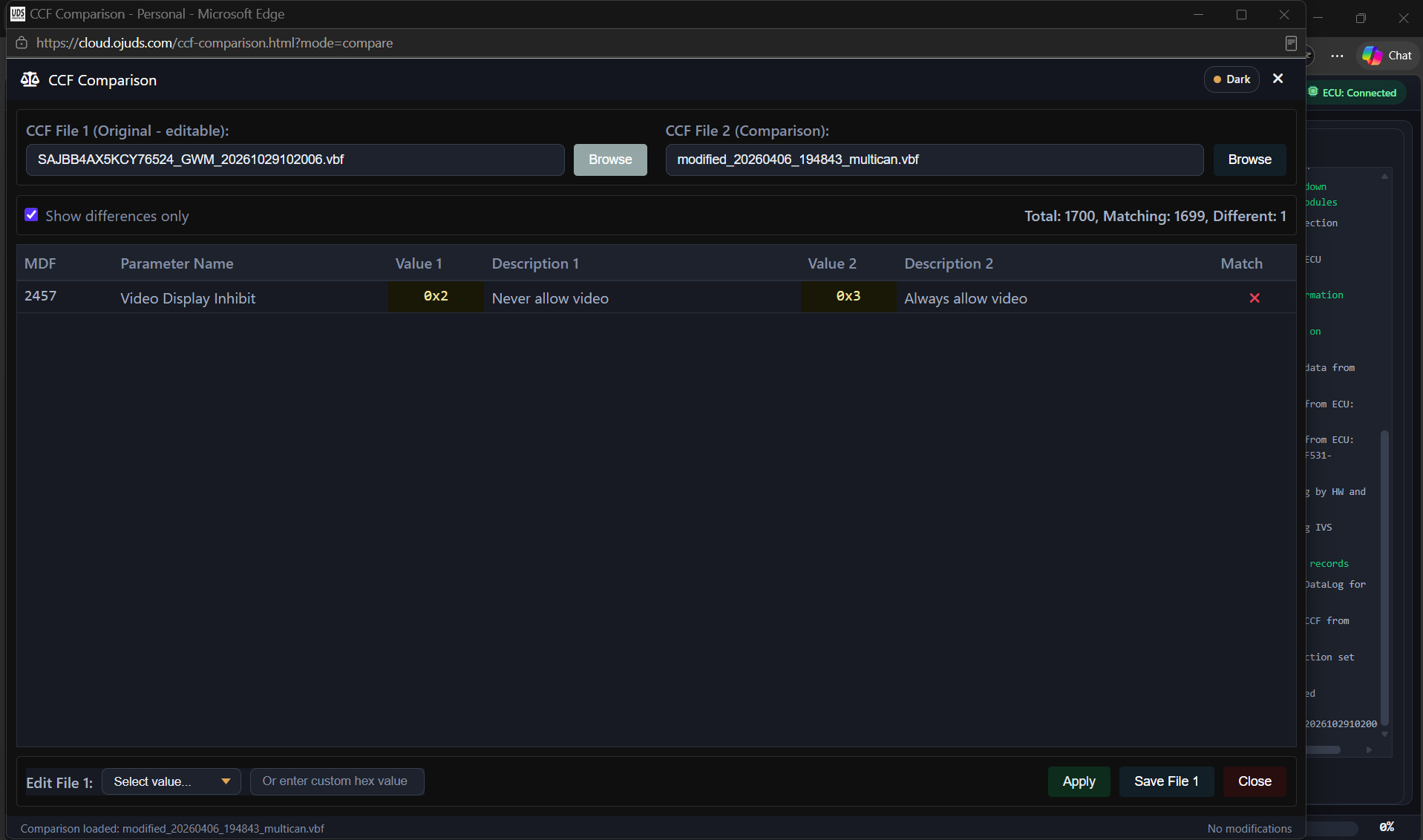
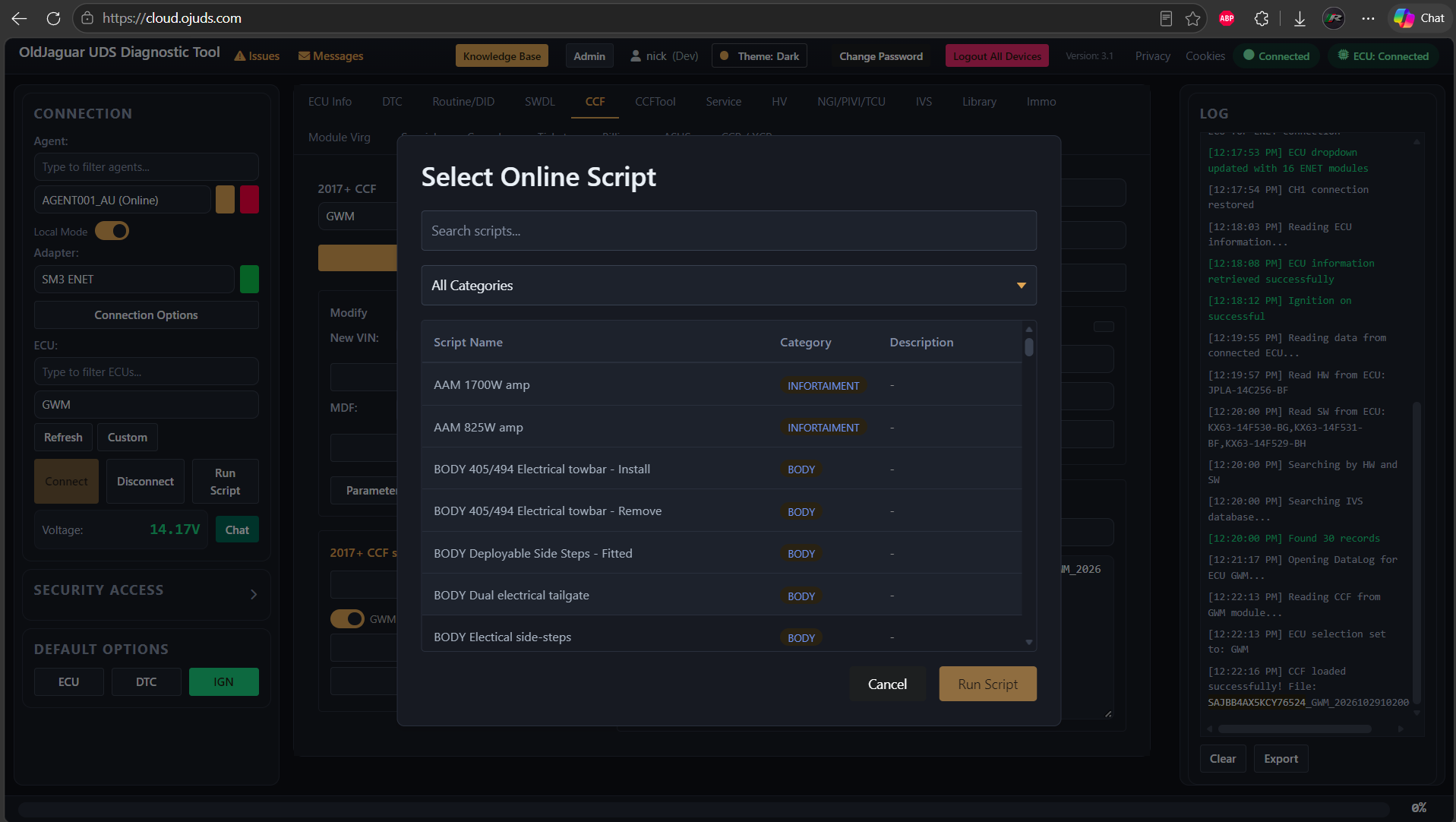
- Modifications of car configuration by editing a CCF or a VID block - read the configuration from a vehicle, edit it with a built-in editor and write it back. Online scripts make common/frequent configuration changes a lot easier
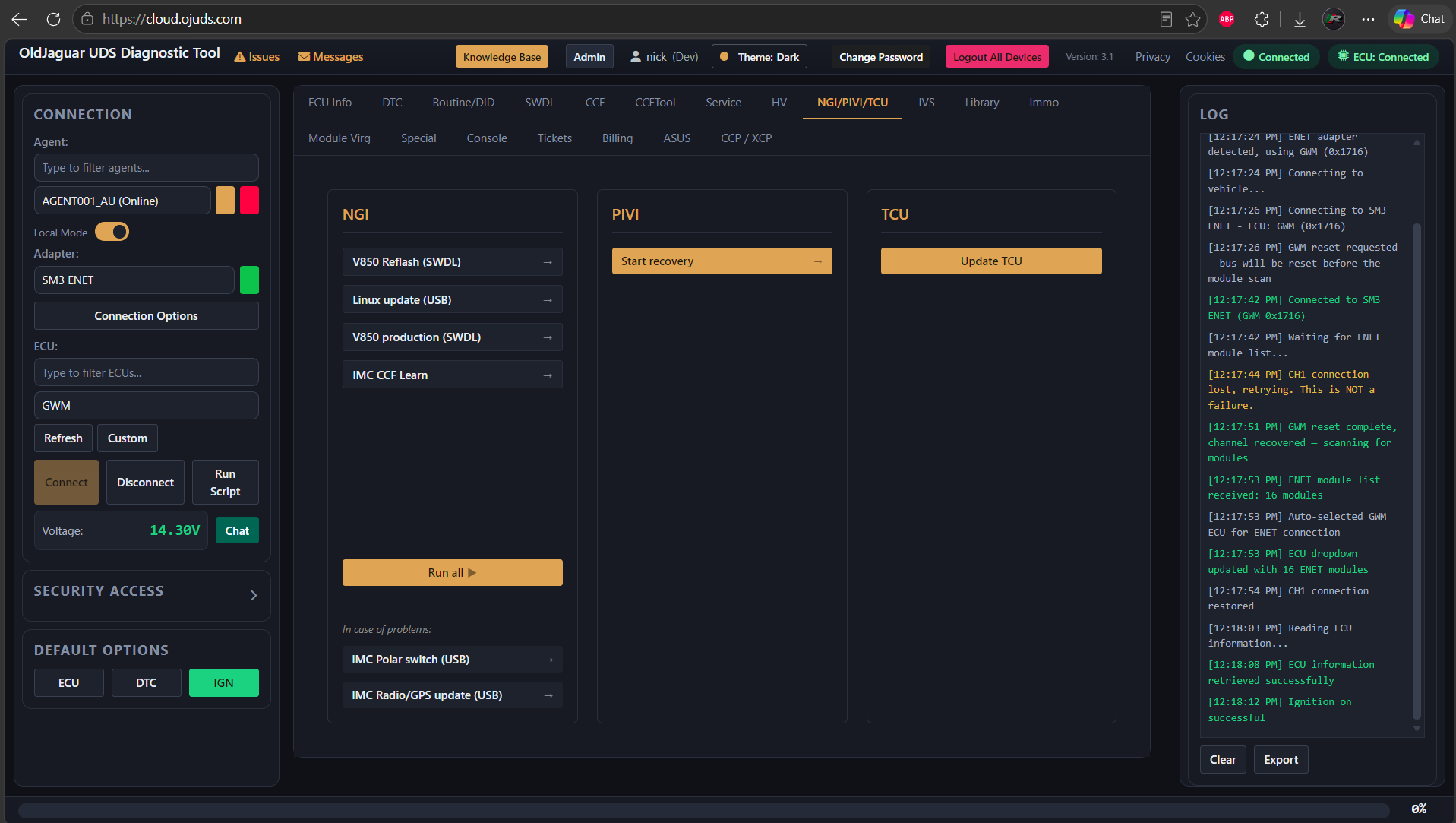
- Software updates for NGI, PIVI and TCU modules
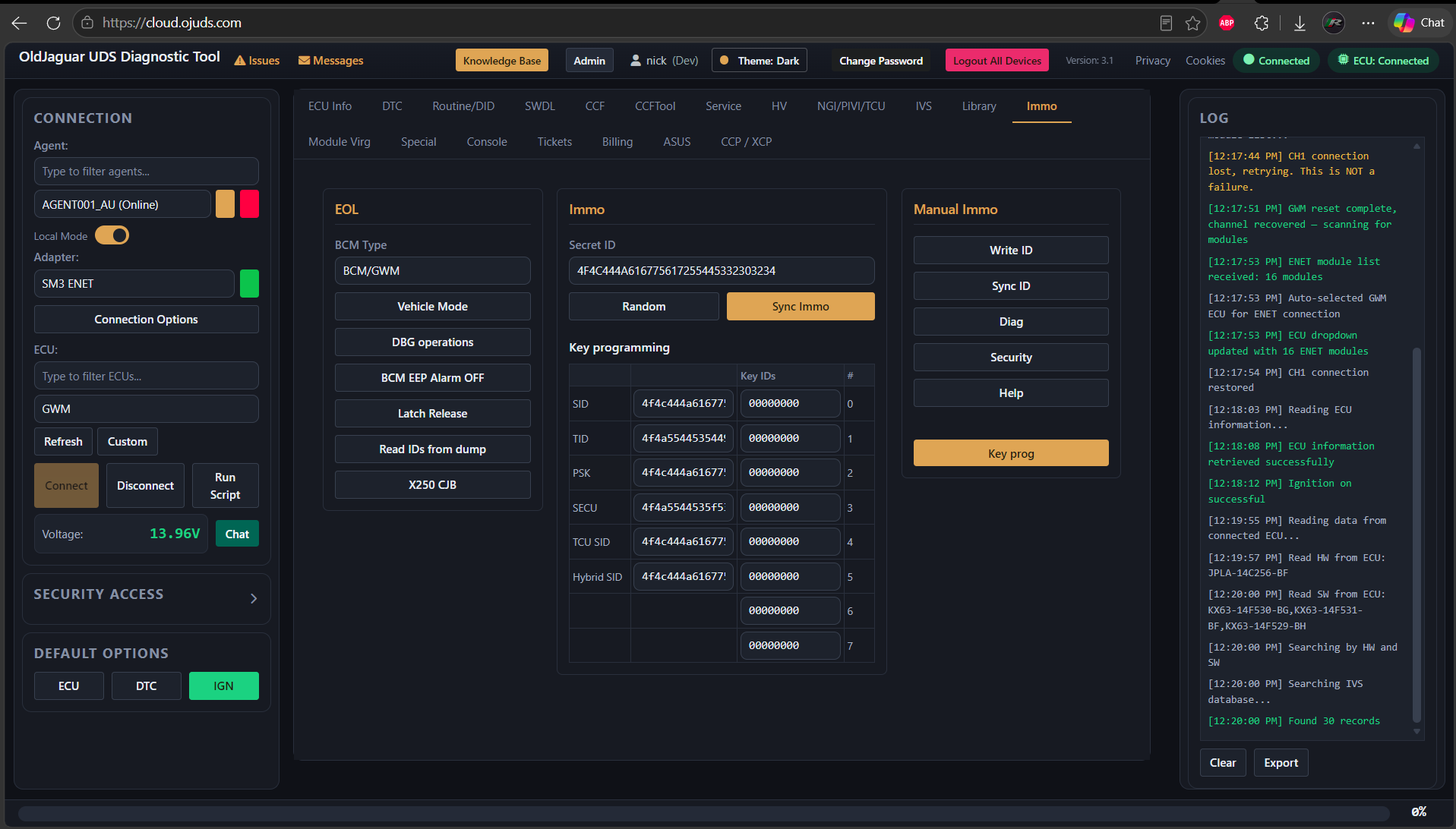
- Immobilization and keys programming for any 2010-2026 vehicle
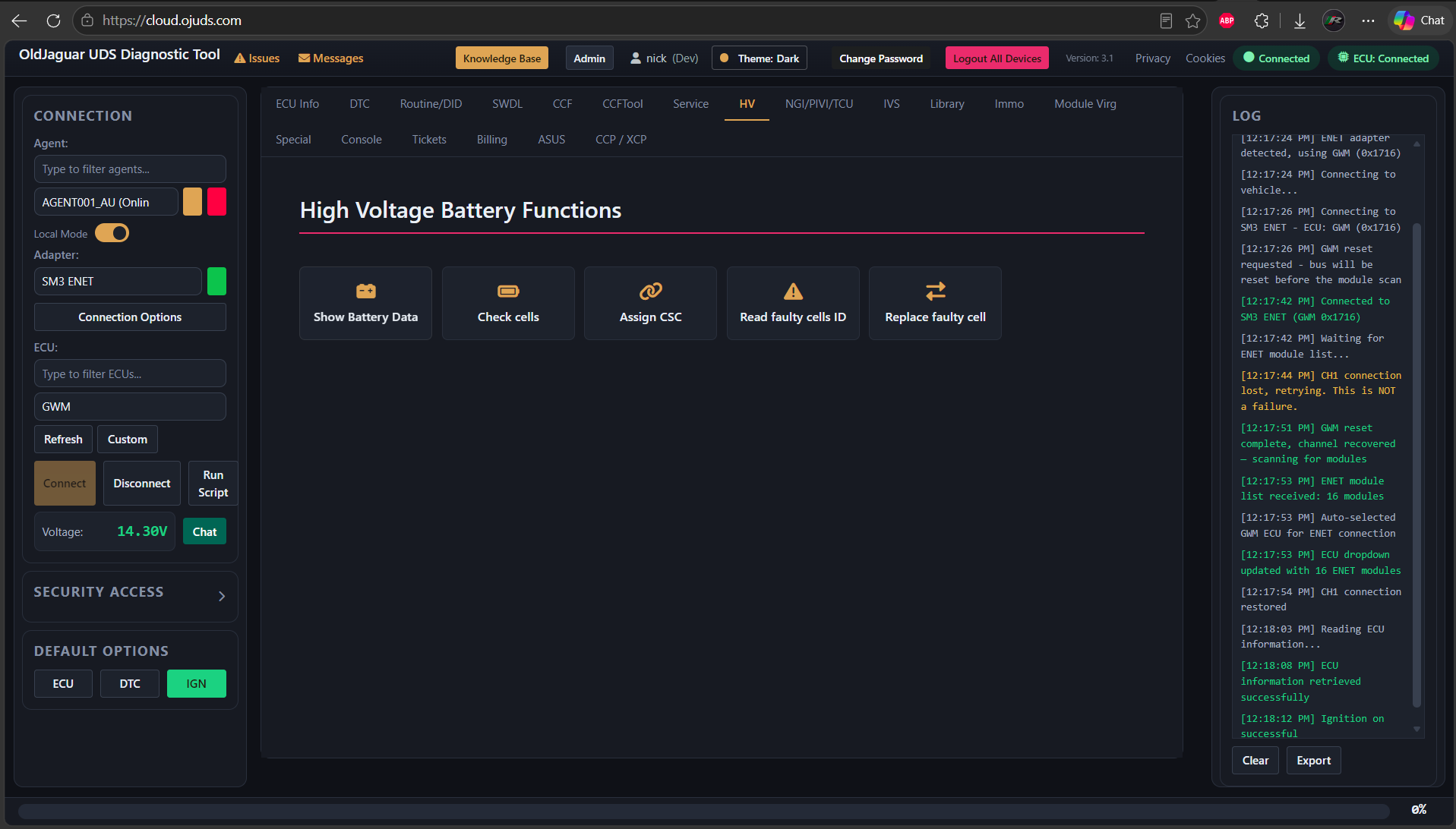
- High Voltage systems diagnostics and repairs
- Various modules virginization, to convert a used module into a new one
- Programming non-virgin used modules to a vehicle
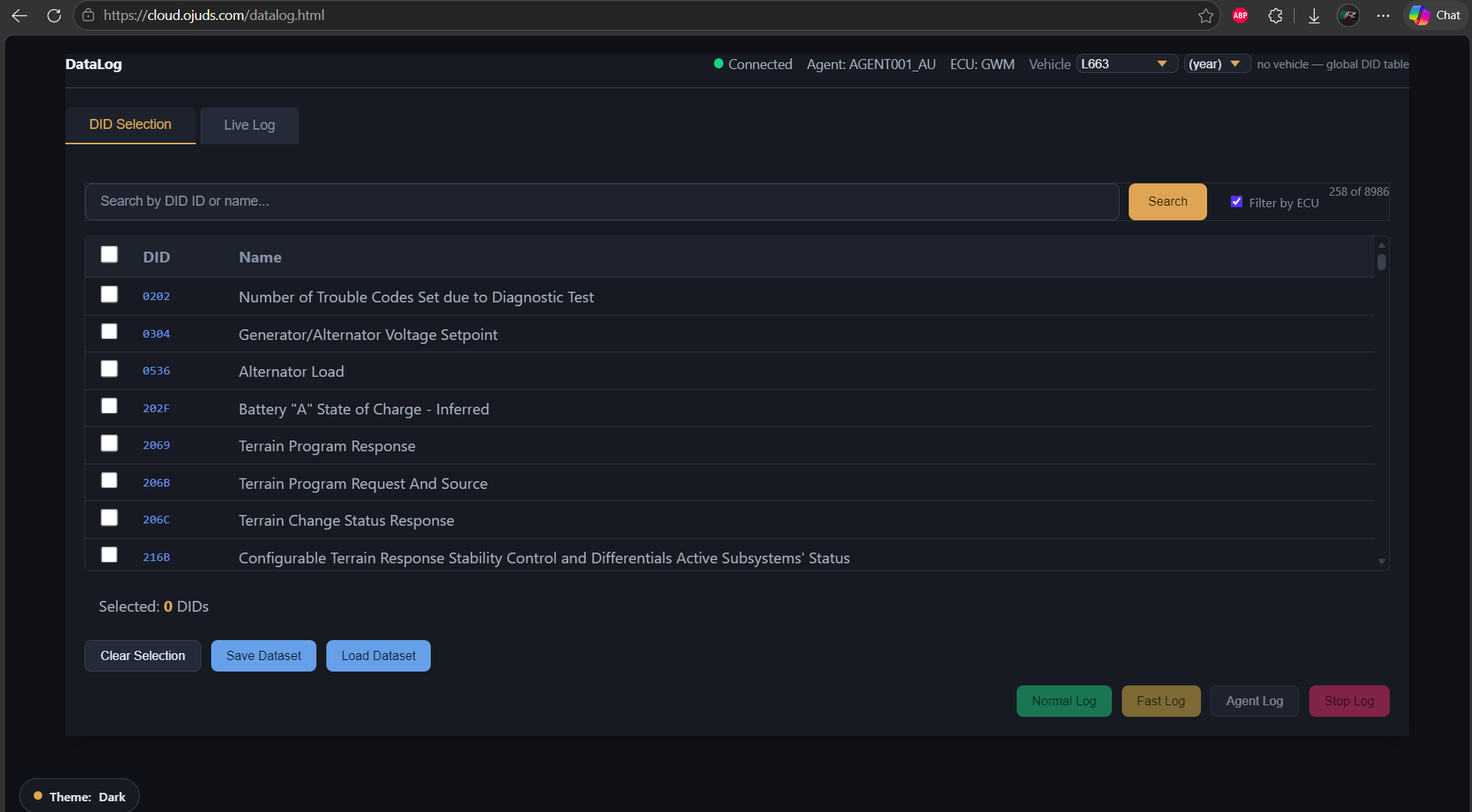
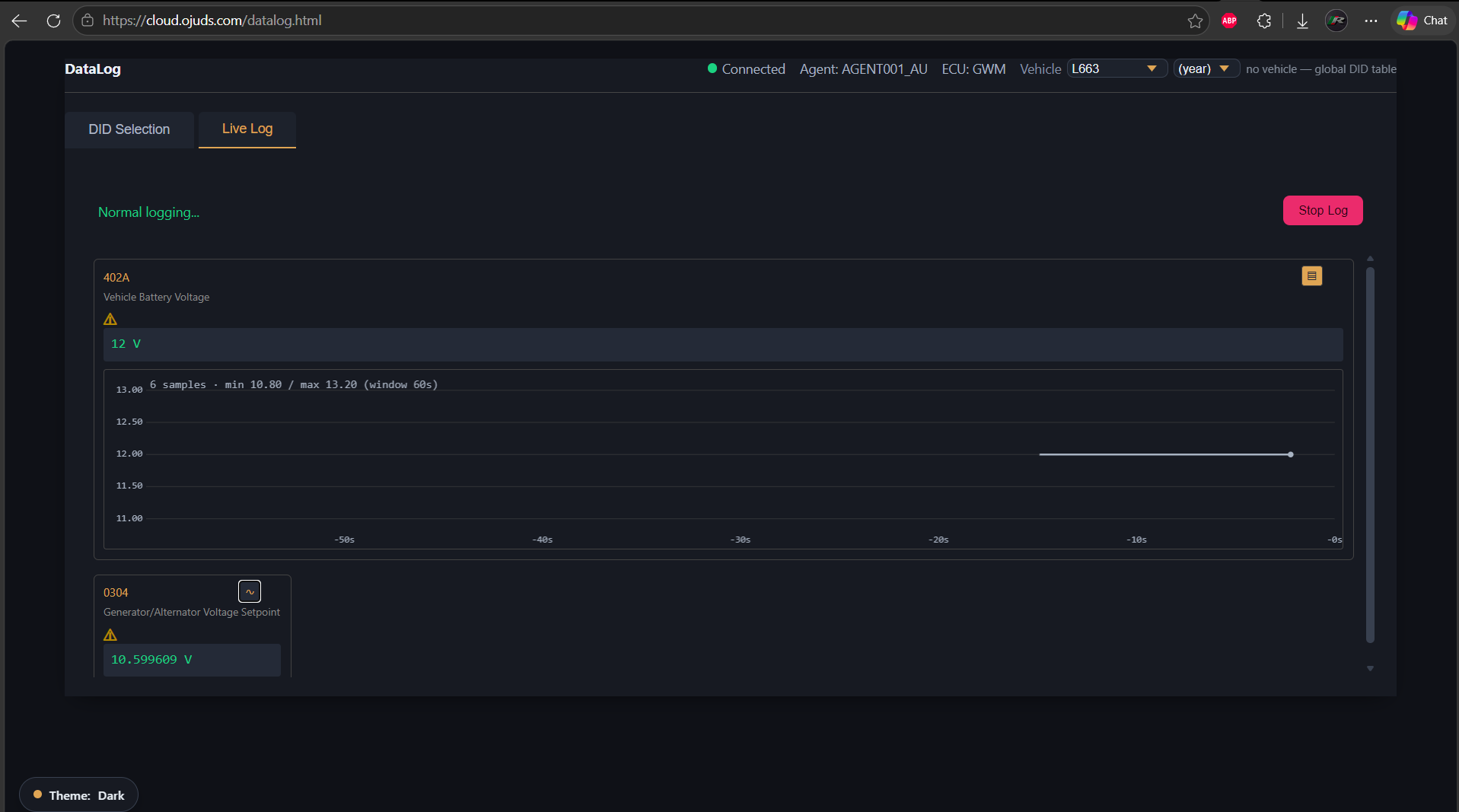
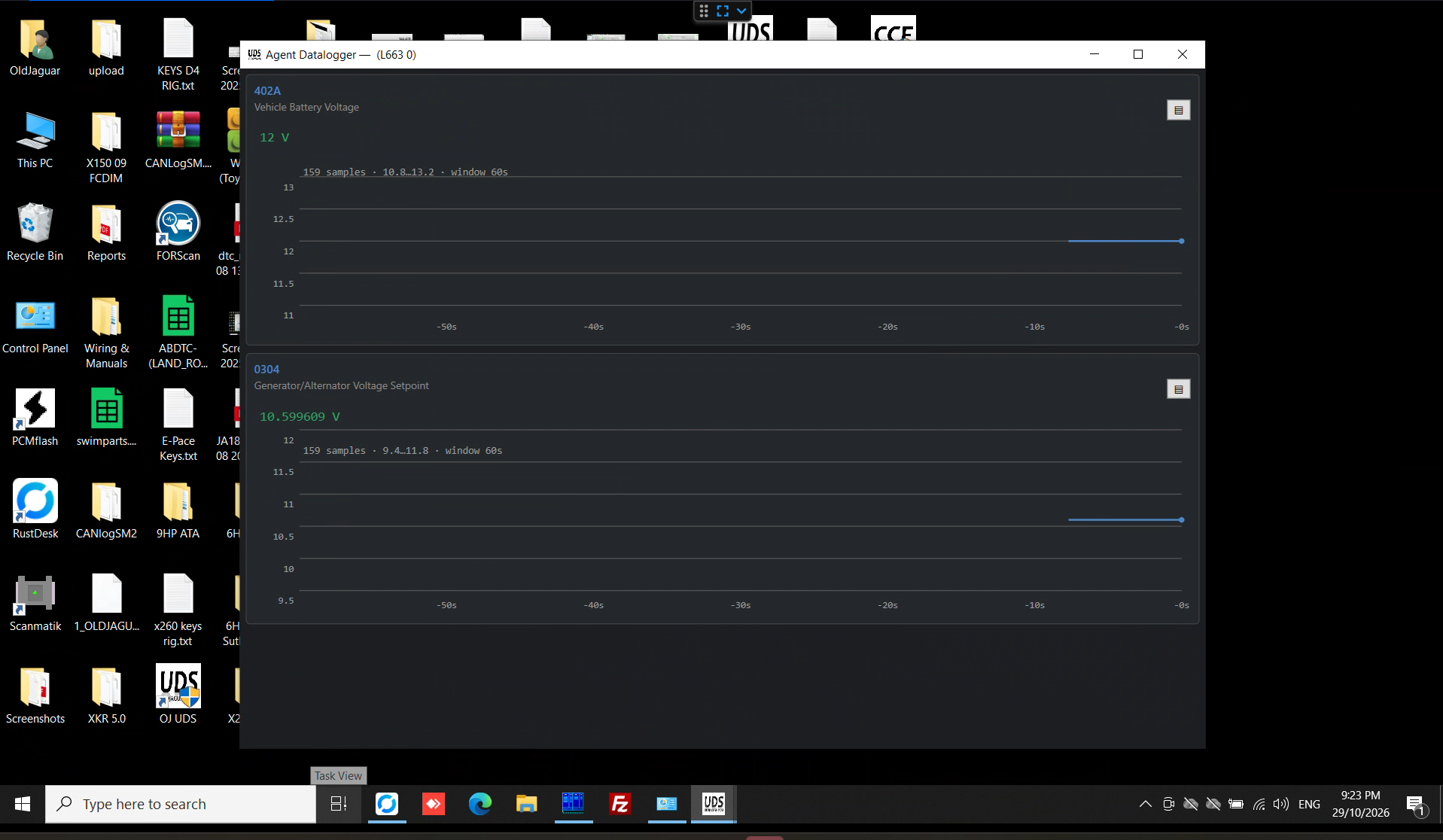
- Datalogging system - including a background one (super-fast: make a drive cycle and explore the data afterwards)
- Built-in CAN sniffer, both HS and MS CAN capable
- Ticket system - to escalate issues to our Tech Support team for assistance and support
Requirements
Agent side:
- Windows 10 or Windows 11 PC, 64bit OS, with internet connection
- J2534 interface (MongoosePRO JLR, Scanmatik2, Scanmatik3) for CAN vehicles
- Flexray vehicles can use a generic ENET cable, Scanmatik3 or J2534 via GWM
Client side:
- Any modern web browser (Edge, Chrome, etc) and a decent internet connection. Yes, it works even on Android/iOS.
Example applications
- Virginise used PCM and flash to vehicle (with calibration, VIN, CCF, immo)
- Virginise used PSCM and flash to vehicle (with calibration, VIN)
- Virginise used TCM and flash to vehicle (with calibration, VIN)
- Virginise used BCM and flash to vehicle (with calibration, VIN, CCF, immo)
- Virginise used IPC and flash to vehicle (with calibration, VIN, CCF, immo, odometer)
- Network integrity check, HS-CAN, MS-CAN, 29bit & 11bit, MOST, Flexray via Gateway Module
- Read/clear DTC’s in modules
- CAN logger
- Service routines: clear adaptations, oil service reset, DPF replacement, DEF reset, etc
- Load new, old, and custom calibration files: .vbf & .bin
- Read & write Car Configuration File (CCF), variant configuration
- Forced recovery mode if the module was bricked by SDD/Pathfinder (bench only)
This is an ongoing project and more functionality will be added over time, please contact us for more information.
UDS = Unified Diagnostic Services, according to ISO 14229-1